
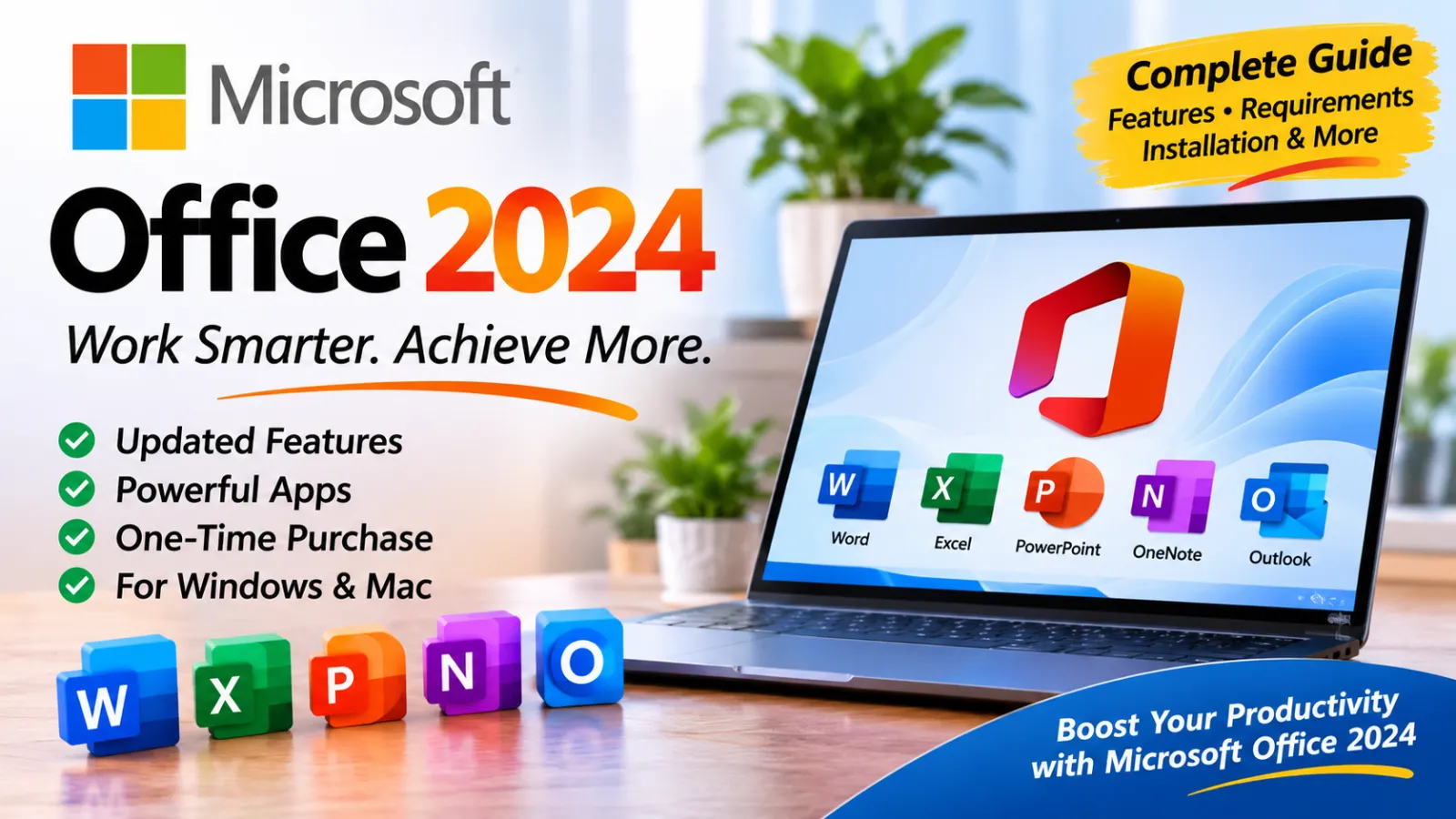
Microsoft Office 2024: Features, System Requirements, Installation Guide and Complete Review
Introduction
Microsoft Office 2024 is a desktop productivity software suite designed to help students, home users, professionals, and businesses complete everyday office tasks. It brings together familiar applications such as Microsoft Word, Excel, PowerPoint, and OneNote, with Outlook included in selected editions. These applications provide tools for creating documents, managing information, preparing presentations, organizing notes, and handling email.
Unlike Microsoft 365, which is offered through a subscription, Office 2024 is available as a one-time purchase. This makes it an option for people who prefer to pay once for a specific version of Office rather than maintain a monthly or annual subscription. However, a one-time purchase does not mean that every future major Office version is included. Users who want to upgrade to a later standalone release may need to purchase it separately.
Office 2024 is intended for people who want familiar desktop applications with updated features and a traditional working environment. Whether you are writing reports, preparing spreadsheets, creating presentations, or organizing personal information, its applications can support a wide range of everyday tasks.
This guide explains Microsoft Office 2024, its main applications, useful features, system requirements, installation process, advantages, disadvantages, and other details users should understand before choosing an edition.
What Is Microsoft Office 2024?
Microsoft Office 2024 is a collection of desktop applications developed by Microsoft. It is designed to provide essential productivity tools for computers running supported Windows versions and macOS versions.
The suite includes updated classic versions of several well-known Office applications. Each application has a different purpose, allowing users to work with documents, numbers, presentations, notes, and email from one familiar software environment.
The main consumer editions include Office Home 2024 and Office Home & Business 2024. Office Home 2024 includes Word, Excel, PowerPoint, and OneNote. Office Home & Business 2024 adds Outlook and is intended for users who need email functionality for home or business activities.
There is also Office LTSC 2024, a separate commercial edition intended for organizations that need a more controlled, long-term deployment. Its available applications and licensing arrangements differ from the consumer editions.
Before purchasing or installing Office 2024, it is important to check which edition you need. Not every edition contains every Office application.
Main Applications Included in Office 2024
1. Microsoft Word 2024
Microsoft Word 2024 is a word-processing application for creating and editing written documents. It is useful for preparing letters, reports, assignments, business documents, CVs, articles, and other written materials.
Users can format text, insert pictures, create tables, adjust page layouts, add headers and footers, and organize long documents with headings. Word also provides spelling and grammar assistance, templates, and tools for reviewing changes.
For students, Word can be used for homework, research papers, and academic projects. Office workers can use it to prepare reports, proposals, and professional correspondence.
2. Microsoft Excel 2024
Excel 2024 is a spreadsheet application used for organizing information, performing calculations, analyzing data, and creating charts.
It supports formulas, functions, tables, sorting, filtering, and conditional formatting. Users can create budgets, expense records, inventory lists, schedules, financial reports, and other structured worksheets.
Excel is particularly useful when information needs to be organized into rows and columns. Its calculation tools can reduce repetitive manual work and help users understand numerical information more clearly.
3. Microsoft PowerPoint 2024
PowerPoint 2024 helps users create presentations for classrooms, meetings, training sessions, and professional events.
Users can build slides containing text, images, charts, shapes, tables, and other visual elements. Themes and presentation templates make it easier to maintain a consistent design throughout a project.
PowerPoint can also be used to prepare educational lessons, business proposals, product introductions, and project presentations. Its presentation tools help users communicate information in a structured visual format.
4. Microsoft OneNote 2024
OneNote is a digital note-taking application that allows users to organize information into notebooks, sections, and pages.
It can be used for class notes, meeting records, research, personal reminders, project planning, and reference information. Users can combine typed notes with other supported content to keep related information together.
OneNote is useful for people who regularly collect information from different activities and want to organize it in one place.
5. Microsoft Outlook 2024
Outlook is included in Office Home & Business 2024 and certain other Office editions, but it is not included in the standard Office Home 2024 package.
It provides email management and can help users organize messages, contacts, calendars, and appointments. Outlook is particularly useful for professionals and small businesses that need to manage work-related communication.
Before installing Office, check the product description to confirm whether Outlook is included in your purchased edition.
Key Features of Microsoft Office 2024
Updated Office Applications
Office 2024 provides updated classic versions of its included applications. Word, Excel, PowerPoint, and Outlook receive improvements to usability, accessibility, performance, and selected productivity features.
The exact tools available depend on the application and edition. Office 2024 is not identical to Microsoft 365, which continues receiving new features through its subscription service.
Improved Document Creation
Word provides familiar document-editing tools for creating professional-looking files. Users can adjust fonts, paragraph spacing, page margins, headings, tables, images, and other formatting elements.
These features make it easier to create documents for school, home, and business purposes without needing specialized publishing software.
Spreadsheet Management and Data Analysis
Excel offers spreadsheet tools for organizing and examining information. Users can work with formulas, functions, charts, tables, and formatting options to make complex information easier to understand.
For example, a small business can use Excel to track monthly expenses, while a student can use it to organize research data or calculate results.
Presentation Design Tools
PowerPoint includes slide-design and presentation tools that help users prepare organized visual content. Users can select themes, arrange objects, add charts, insert images, and apply transitions where supported.
These tools are useful for preparing classroom presentations, business meetings, and training materials.
Accessibility Improvements
Microsoft continues to improve accessibility across its Office applications. Accessibility tools help users create and work with content that is easier for a wider range of people to access.
Features and availability vary by application, so users should review the accessibility options within the specific program they use.
Familiar Desktop Interface
Office 2024 maintains the familiar desktop application experience that many users already understand. People who have worked with earlier Office releases can generally find familiar menus, document tools, and formatting options.
This can make the transition easier for users who do not want to learn an entirely different productivity platform.
Support for 32-bit and 64-bit Windows
Office 2024 supports both 32-bit and 64-bit versions of Office on compatible Windows systems. The 64-bit version is generally appropriate for modern computers, particularly when working with large spreadsheets or documents.
However, users who depend on older add-ins or software integrations should check compatibility before choosing a version.
One-Time Purchase Option
One of the main differences between Office 2024 and Microsoft 365 is the payment model. Office 2024 consumer editions are sold as a one-time purchase for one PC or Mac.
This may suit users who prefer not to maintain a subscription. However, the purchase does not automatically provide future major-version upgrades or all Microsoft 365 cloud services.
System Requirements for Microsoft Office 2024
Before installing Office 2024, check that your computer meets the requirements for the edition and operating system you intend to use. The following information summarizes Microsoft's published requirements for the consumer Office 2024 suite on Windows.
Minimum Windows Requirements
ComponentRequirement
Operating System
Windows 11, according to Microsoft's current consumer system-requirements table
Processor
1.1 GHz or faster, 2-core processor
RAM
4 GB
Available Storage
4 GB
Display Resolution
1280 × 768
Graphics
Direct3D 9.1 or higher adapter with a WDDM 1.3 or higher driver for hardware acceleration
Internet
Required for setup, redemption, activation, and periodic activation checks
Browser
Current version of Microsoft Edge, Chrome, or Firefox
Important operating-system note: Microsoft's Office 2024 FAQ describes support for Windows 10 and later, while its current consumer system-requirements table lists Windows 11. Windows 10 reached the end of general support on October 14, 2025. For a new installation, Windows 11 is the safer choice. Check Microsoft's current compatibility information for your exact edition and device before purchasing.
Recommended Computer Setup
For a smoother everyday experience, a computer with the following configuration is a sensible choice:
- A modern dual-core or better processor.
- 8 GB RAM or more.
- An SSD with sufficient free storage.
- A supported and updated Windows installation.
- A stable internet connection for setup and activation.
- A current graphics driver.
These are practical recommendations rather than additional official minimum requirements. A computer with stronger hardware may be more comfortable when several Office applications are open simultaneously.
Mac Requirements
Office 2024 is also available for macOS. Microsoft's published requirements include an Intel or Apple Silicon processor supported by the three most recent macOS versions, 4 GB RAM, and 10 GB of available storage. The required display resolution is 1280 × 800.
Check Microsoft's current Mac compatibility page before installation because supported macOS versions can change over time.
How to Download and Install Microsoft Office 2024
The safest way to obtain Office 2024 is through Microsoft or an authorized retailer. Avoid unofficial installers, modified setup packages, and websites offering suspicious activation tools.
Step 1: Check Your Office Edition
First, decide which edition you need.
Office Home 2024 is designed for home and school use and includes Word, Excel, PowerPoint, and OneNote. Office Home & Business 2024 includes those applications plus Outlook and provides commercial-use rights.
Check the official product description before purchasing so you do not buy an edition that is missing an application you need.
Step 2: Purchase a Genuine License
Purchase Office 2024 from Microsoft or an authorized retailer. If you receive a product key, follow the redemption instructions provided with your purchase.
Make sure the license matches your intended platform and edition. Do not assume that a key for another Office version or edition will activate Office 2024.
Step 3: Sign In to Your Microsoft Account
Visit Microsoft's official Office setup or account page and sign in with the Microsoft account associated with your purchase.
If you purchased a retail product key, follow Microsoft's instructions to redeem it and associate the license with your account. Keep your account information secure because it may be needed later to reinstall or manage the product.
Step 4: Download the Official Installer
After your license is associated with your account, open the Microsoft account services or installation page and locate your Office 2024 product.
Choose the available installation option and download the official setup files. The exact page and available options may vary depending on your edition and how you purchased the software.
Step 5: Run the Setup File
Locate the downloaded installer in your computer's Downloads folder. Open it and approve the Windows permission request if one appears.
Follow the instructions on the screen. Office uses Click-to-Run installation technology, which downloads and installs the required application files.
Keep your computer connected to the internet while the installation is being completed.
Step 6: Open an Office Application
After installation, open Word, Excel, or PowerPoint from the Windows Start menu.
You may be asked to sign in with the Microsoft account connected to your license or complete an activation process. Follow the official instructions to activate your genuine copy.
Step 7: Check for Updates
Once Office is activated, open an Office application and check its account or update settings. Install available security and quality updates.
Keeping Office updated helps maintain compatibility and protects your applications against known issues.
Advantages of Microsoft Office 2024
1. Familiar Applications
Office 2024 includes well-known applications that are widely used in education, business, and personal computing. Users who already know Word, Excel, and PowerPoint can continue working with familiar tools.
2. One-Time Purchase
The consumer editions provide a one-time purchase option. Users who prefer a traditional license instead of a recurring subscription may find this payment model convenient.
3. Useful for Different Tasks
The included applications support document creation, spreadsheet calculations, presentations, and note-taking. This makes Office suitable for many everyday productivity activities.
4. Professional Document Tools
Word, Excel, and PowerPoint provide formatting, calculation, and presentation tools that can help users prepare professional work.
5. Windows and Mac Availability
Office 2024 is available for compatible Windows PCs and Macs, allowing users on both platforms to choose an appropriate edition.
6. Supports Offline Work After Setup
Many core desktop functions can be used without a continuous internet connection after installation and activation. However, internet access is still needed for initial setup, activation, and periodic activation checks.
Disadvantages of Microsoft Office 2024
1. Major Upgrades Are Not Included
A one-time purchase does not automatically include the next major standalone Office release. Users who want a later version may need to purchase it separately.
2. Fewer Continuously Updated Features
Office 2024 receives security and quality updates, but it does not receive the ongoing stream of new productivity features provided through Microsoft 365 subscriptions.
3. Edition Differences Can Be Confusing
Not every edition includes the same applications. For example, Outlook is included in Office Home & Business 2024 but not in the standard Office Home 2024 package.
4. Activation Requires Internet Access
Users need an internet connection for license redemption and activation. Periodic internet access is also required to maintain activation.
5. Not Every Microsoft 365 Service Is Included
Office 2024 does not include all the cloud services and subscription benefits associated with Microsoft 365. Users who need expanded cloud storage, subscription-based services, or the latest subscription features should compare the plans carefully.
Who Should Use Microsoft Office 2024?
Office 2024 can be a useful choice for several types of users.
Students: Word can help with assignments and reports, Excel can organize data, and PowerPoint can prepare classroom presentations.
Home users: The applications can be used for personal documents, household budgets, schedules, and other everyday activities.
Office workers: Word, Excel, and PowerPoint provide tools for preparing reports, analyzing information, and presenting business ideas.
Small businesses: Office Home & Business 2024 may be suitable for people who need desktop Office applications and Outlook under a one-time-purchase model. Businesses should review Microsoft's licensing terms before deploying it across multiple devices or users.
Writers and researchers: Word and OneNote can help organize written work, research notes, and supporting information.
Office 2024 vs. Microsoft 365
Office 2024 and Microsoft 365 provide access to familiar productivity applications, but they use different licensing models.
Office 2024 is a one-time purchase for a specific edition and device. It provides classic desktop applications and receives security and quality updates, but it does not automatically receive every new feature released for Microsoft 365.
Microsoft 365 is a subscription service. Depending on the plan, it provides access to the latest versions of Office applications, cloud storage, and additional online services.
Choose Office 2024 if you prefer a one-time purchase and do not need the full range of subscription services. Consider Microsoft 365 if you want ongoing feature updates, subscription benefits, and services such as OneDrive storage.
Frequently Asked Questions
Is Microsoft Office 2024 free?
No. The consumer desktop editions of Office 2024 are paid products. You need a valid license to activate and use the licensed software. Microsoft also offers free web versions of certain Office applications, but these are not the same as the full desktop Office 2024 package.
Is Office 2024 a one-time purchase?
Yes. Office Home 2024 and Office Home & Business 2024 are sold as one-time purchases for one PC or Mac. A future major Office release is not automatically included.
Does Office Home 2024 include Outlook?
No. Office Home 2024 includes Word, Excel, PowerPoint, and OneNote. Outlook is included in Office Home & Business 2024.
Can I use Office 2024 without the internet?
Many core desktop features work offline after setup and activation. However, an internet connection is required for redemption and activation, and periodic connectivity is needed to keep the applications activated.
Does Office 2024 support Windows 11?
Yes. Windows 11 is supported. Always check the official requirements for your specific edition and device before installation.
Does Office 2024 support Windows 10?
Microsoft's FAQ describes Office 2024 support for Windows 10 and later, but its current consumer system-requirements table lists Windows 11. Windows 10 reached the end of general support on October 14, 2025. Check Microsoft's latest compatibility documentation before installing Office on Windows 10.
Is Office 2024 available for Mac?
Yes. Microsoft offers Office 2024 editions for compatible Mac computers. The Mac version has its own system requirements and installation process.
Does Office 2024 include Microsoft Access?
Access is not included in the standard Office Home 2024 or Office Home & Business 2024 consumer packages. Some commercial Office LTSC 2024 editions include Access for Windows.
Is Office 2024 better than Microsoft 365?
It depends on your needs. Office 2024 may suit people who prefer a one-time purchase and familiar desktop applications. Microsoft 365 may be better for users who want ongoing feature updates, subscription services, and cloud storage.
Where should I download Office 2024?
Use Microsoft's official website or an authorized retailer. Avoid unofficial download pages that distribute modified installers or promise free activation.
Editor Review
Microsoft Office 2024 is a practical productivity suite for users who want familiar desktop applications without paying for a recurring subscription. Word, Excel, PowerPoint, and OneNote cover many common school, home, and office tasks, while Office Home & Business 2024 adds Outlook for users who need email management.
Its biggest advantage is the one-time-purchase model. Users can choose a suitable edition, install the included applications, and continue using their core desktop tools without maintaining a monthly subscription. The main limitation is that Office 2024 does not provide every feature and cloud service available through Microsoft 365.
Overall, Office 2024 is worth considering for students, home users, writers, and professionals who need reliable document, spreadsheet, and presentation software. Before buying, compare the available editions, verify the system requirements, and make sure the license includes the applications you actually need.
Final Conclusion
Microsoft Office 2024 remains a useful choice for people who need dependable desktop productivity applications. Its collection of familiar programs makes it possible to write documents, manage spreadsheets, create presentations, organize notes, and handle email when Outlook is included in the selected edition.
The one-time-purchase option is attractive to users who prefer not to maintain a subscription. However, it is important to understand the differences between Office Home 2024, Office Home & Business 2024, Office LTSC 2024, and Microsoft 365 before choosing a product.
For the safest experience, download Office from Microsoft or an authorized retailer, use a genuine license, check your computer's compatibility, and keep the applications updated. With the right edition and a supported computer, Office 2024 can provide a useful working environment for everyday productivity.






Responses (0)