
Artificial intelligence is making online communication faster and more convenient, but it can also be misused to create convincing online scams. AI-powered phishing is a growing cybersecurity concern because attackers can use AI to write realistic messages, imitate trusted organizations, and personalize fraudulent requests.
Understanding how phishing works can help individuals and businesses protect their information and develop safer digital habits.
What Is AI-Powered Phishing?
Phishing is a social engineering attack in which someone attempts to trick a person into revealing sensitive information, clicking a malicious link, or making an unauthorized payment.
AI can help attackers generate professional-looking emails, adapt messages for different audiences, and create convincing text in multiple languages. As a result, spelling mistakes alone are no longer a reliable way to identify suspicious messages.
Common Warning Signs
Watch out for messages that:
- Request passwords, payment details, or verification codes.
- Pressure you to act immediately.
- Contain unfamiliar or misleading website addresses.
- Include unexpected attachments.
- Ask for unusual payments or changes to bank details.
- Cannot be verified through an independent communication channel.
Always evaluate the request itself, even when the message looks professional.
Five Ways to Stay Safe Online
1. Verify Unexpected Requests
Contact the person or organization through a trusted channel before sharing information or approving a payment.
2. Check Website Addresses
Inspect the domain carefully before entering credentials. When unsure, navigate directly to the official website.
3. Use Strong, Unique Passwords
Avoid reusing passwords across accounts. A reputable password manager can help you manage them securely.
4. Enable Multifactor Authentication
Use additional account protection, such as an authenticator app, passkey, or security key where supported.
5. Keep Your Software Updated
Install security updates for your operating system, browser, and applications to reduce exposure to known vulnerabilities.
What Should You Do If You Suspect Phishing?
Avoid clicking further links or providing additional information. If you entered a password, change it through the legitimate service and update other accounts where the same password was used. If financial information was exposed, contact your bank or payment provider promptly.
Report suspicious messages to the relevant platform or your organization's IT security team.
Why Cybersecurity Education Matters
Cybersecurity awareness helps people recognize threats, protect personal information, and respond more confidently to suspicious activity. Students, professionals, and organizations can all benefit from learning security fundamentals and developing safe online practices.
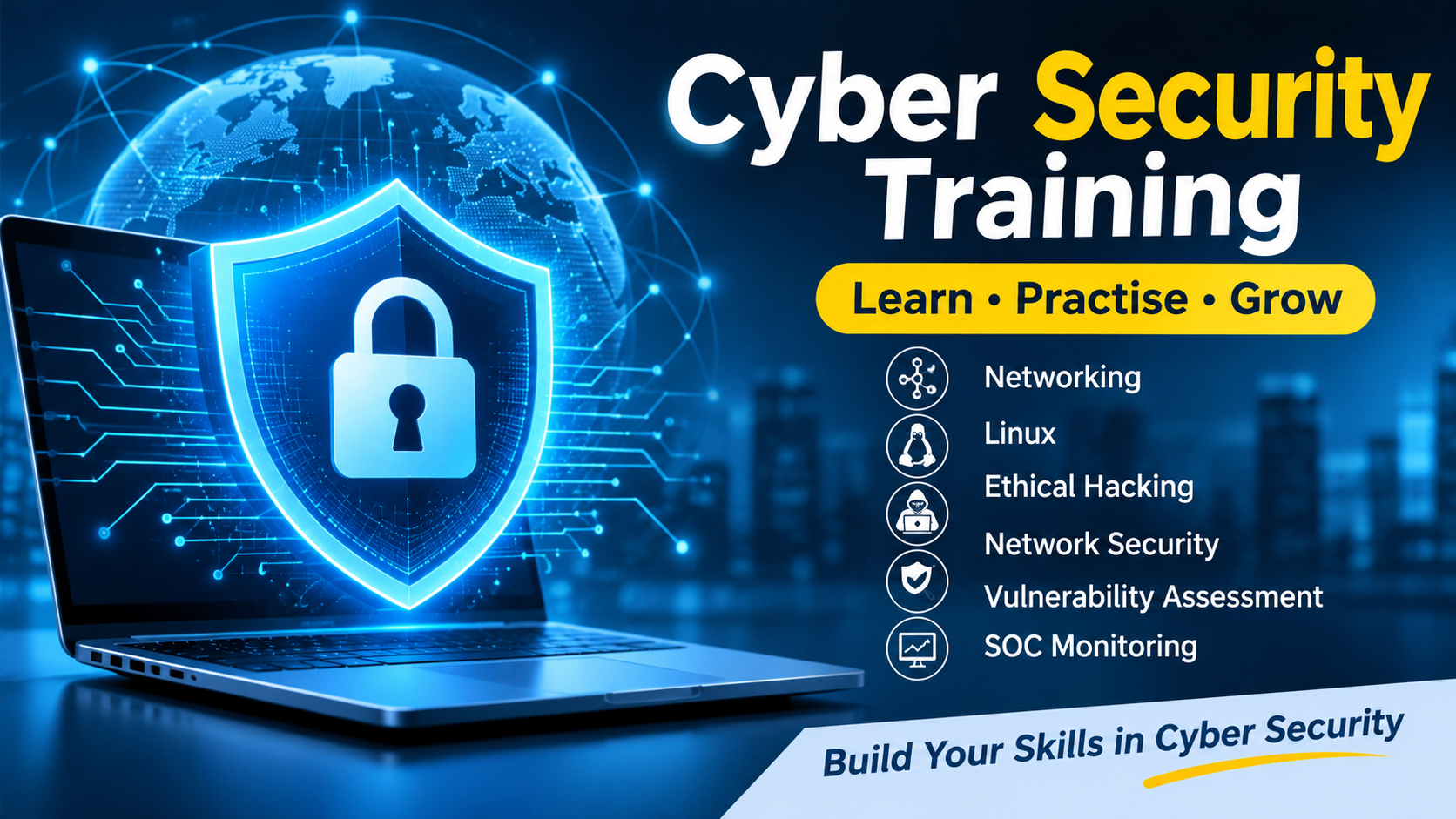
If you want to develop your cybersecurity knowledge, explore the WebAsha Technologies Cyber Security Training Course to review the available learning opportunities.
Conclusion
AI-powered phishing can make online scams more convincing, but careful verification, strong authentication, and regular security updates can reduce risk.
Pause before responding to unexpected requests, verify identities independently, and continue learning about cybersecurity to build safer digital habits.
This article is intended for educational and defensive cybersecurity awareness.





Responses (0)